Enlighta!

The revolutionary magic app by Jithu. Safely and seamlessly control any spectator's phone flashlight — completely hands-free.

Join the Facebook Community

Available on

What is Enlighta!?

Inspired by the foundations of Chris Torrente's R-Light and Steve Sheraton's Lite pm, Jithu developed Enlighta! to take phone-to-phone flashlight magic into the future. We've eliminated the hurdles of traditional digital magic to give magicians a utility tool that is as seamless as it is impossible. Stop worrying about the tech. Start performing the magic.

Why magicians switch

Built for the working performer

Every feature exists to remove one more piece of friction between you and the moment of magic.

◇

Zero Footprint

There is absolutely nothing to install on the spectator's phone. No suspicious links, no clunky setups.

⬡

Universal Compatibility

Whether your spectator uses the latest iOS iPhone or an older Android device, you can control their flashlight instantly.

✧

Hands-Free Performance

Execute the entire routine without ever touching the spectator's phone — or even your own.

↺

Automatic Cleanup

The "dirty work" is handled automatically. When you're done, their phone is completely clean, leaving no trace behind.

⚙

Total Customization

Use the dedicated Enlighta! App to create, tweak, and save your own custom light sequences.

◎

Community Driven

Share routines, troubleshoot sequences, and brainstorm with top digital illusionists in our exclusive group.
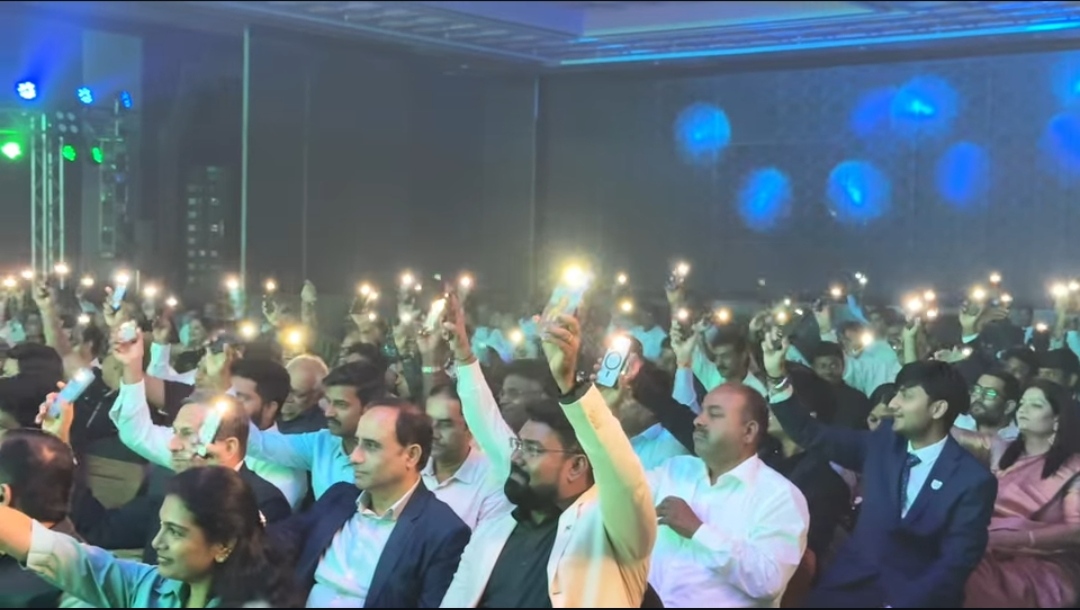
Coming to the stage

Watch full performances & routines

New Effect · Coming Soon New Stage Effect Coming Soon

Control every phone's flashlight across an entire audience — while you stand alone on stage.

Everything you're wondering

Frequently asked questions

How does Enlighta! compare to Chris Torrente's R-Light?

While R-Light laid a brilliant foundation for digital flashlight magic, it comes with heavy platform and setup limitations. Enlighta! is built for the modern, real-world performer, removing all technical friction so you can focus entirely on your presentation.

Feature R-Light Enlighta!
App Compatibility iOS Only iOS & Android (Universal)
Spectator's Phone Support iPhones Only All iPhones & Androids (Samsung, OnePlus, Redmi, etc. Android 10+)
Spectator Setup Requires AppClips / Shortcuts Zero installs, no suspicious links, no Bluetooth
Connection Speed Varies Seamless (under 2 seconds)
Hands-Free Triggers Limited / manual Smartwatch (coming soon), gyroscope & Bluetooth shutter button
Do I need to touch the spectator's phone?

Absolutely not — it's completely optional. There are no Bluetooth pairing requests to accept, and zero items to install. You connect seamlessly in under 2 seconds. Best of all, Enlighta! handles the automatic cleanup at the end of the routine, leaving their phone completely untraced without you ever touching it.

Can I perform Enlighta! on TV or social broadcasting?

No. Performance on TV or social broadcasting is strictly prohibited without proper consent from the creator.

What Android devices & iOS versions are supported?

Enlighta! works flawlessly across all mainstream Android brands (including Samsung, OnePlus, Redmi, Xiaomi, Google Pixel, etc.) running Android version 10 or higher. Because Android 10+ covers virtually 100% of active smartphones in use today, you can confidently perform this for practically anyone. All versions of iOS are supported.

How does the hands-free control system work?

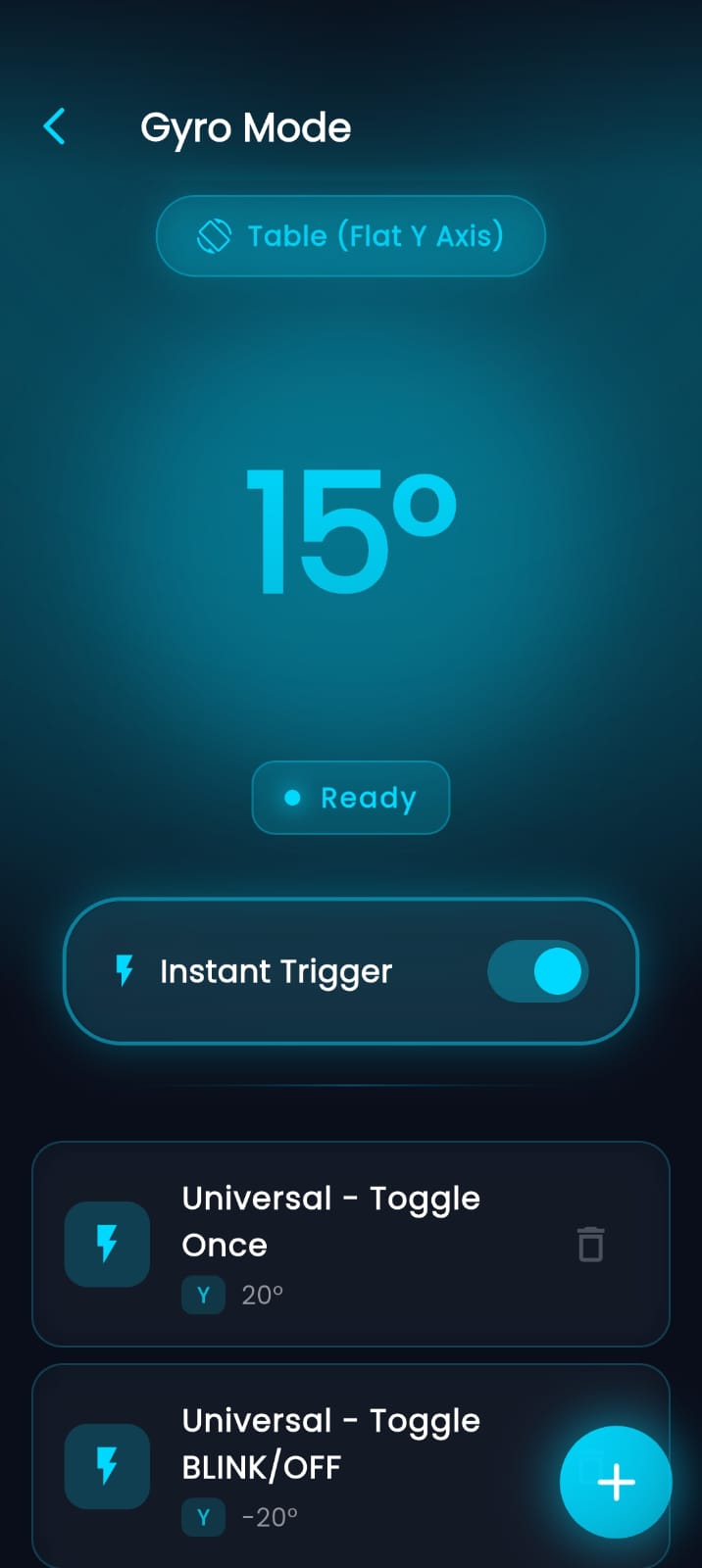
Enlighta! is engineered for ultimate deception. Inside the app, you can map and trigger your customized light sequences using advanced hands-free methods. Trigger routines using watch triggers (coming soon) via subtle wrist movements, harness the phone's internal gyroscope using perfectly natural body and hand movements, or even connect a standard Bluetooth shutter button (which costs as little as $2) to the app for a discrete, tactile hands-free option.

Expand your rig

Integrations

Pair Enlighta! with hardware triggers for even more discreet, hands-free control.

PeekSmith

Receive vibrations and use buttons and tap detection to trigger and control the light.

Watch tutorial →
Adding Soon

Virtuoz

Receive vibrations and use the button to trigger and control the light.

Watch tutorial →
A closer look

Inside the app

The interface, routines, and controls that make it all effortless.

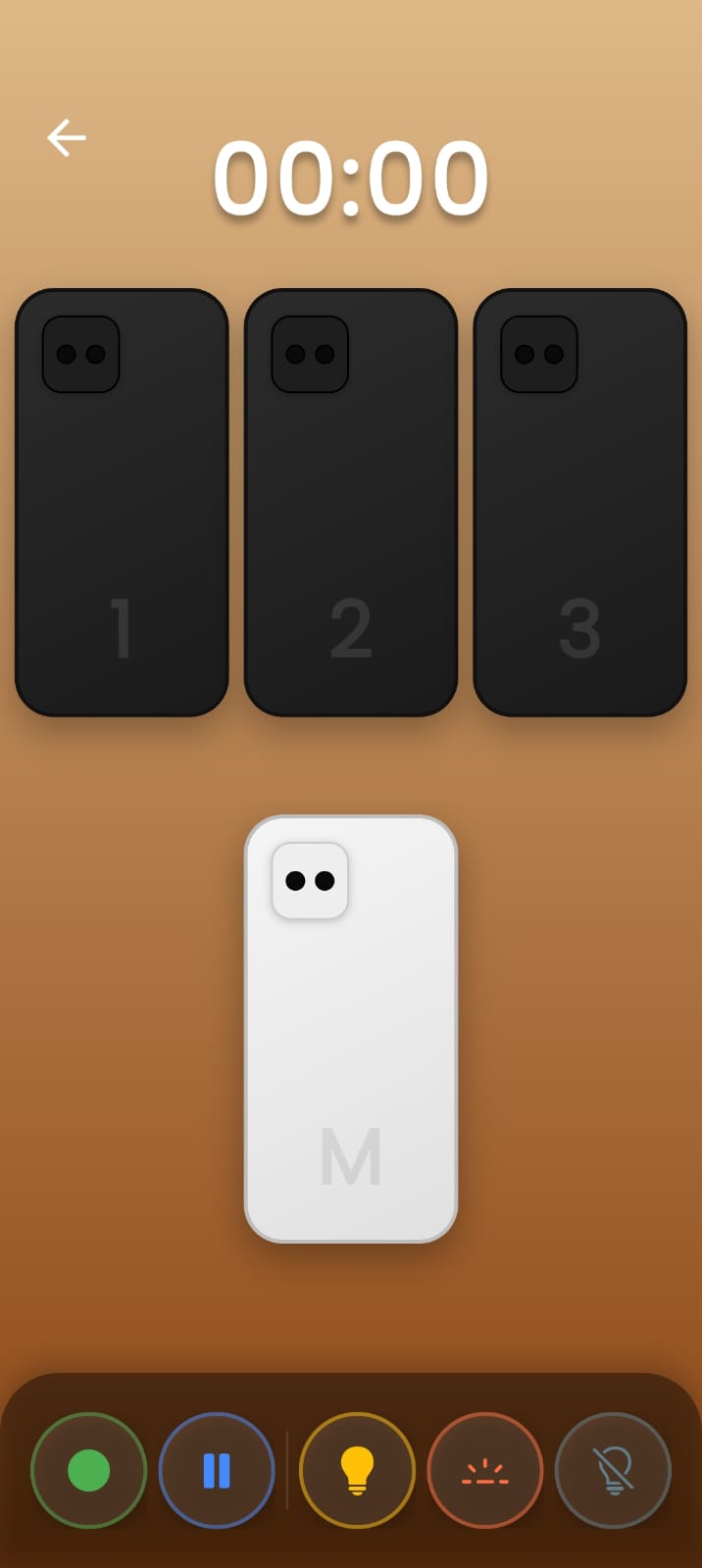
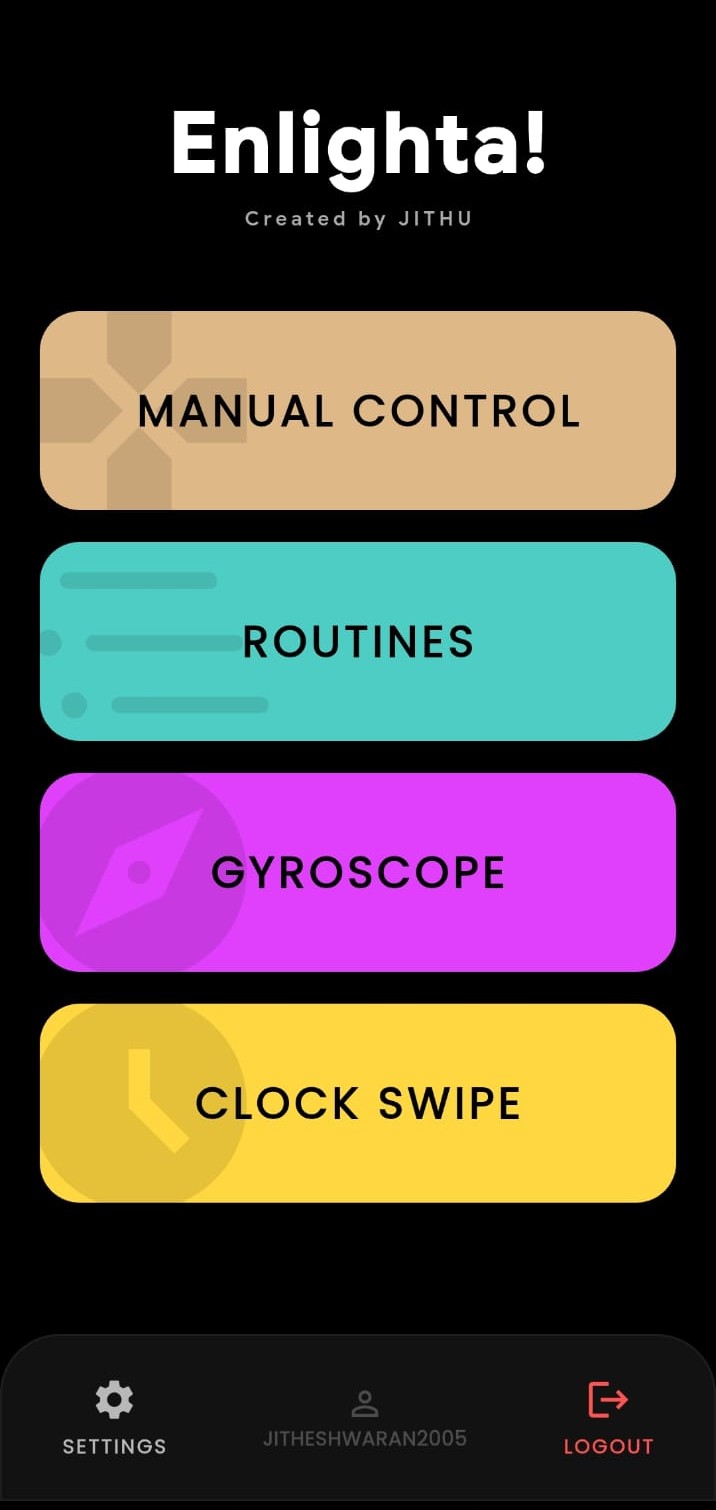
Enlighta Homepage

Homepage

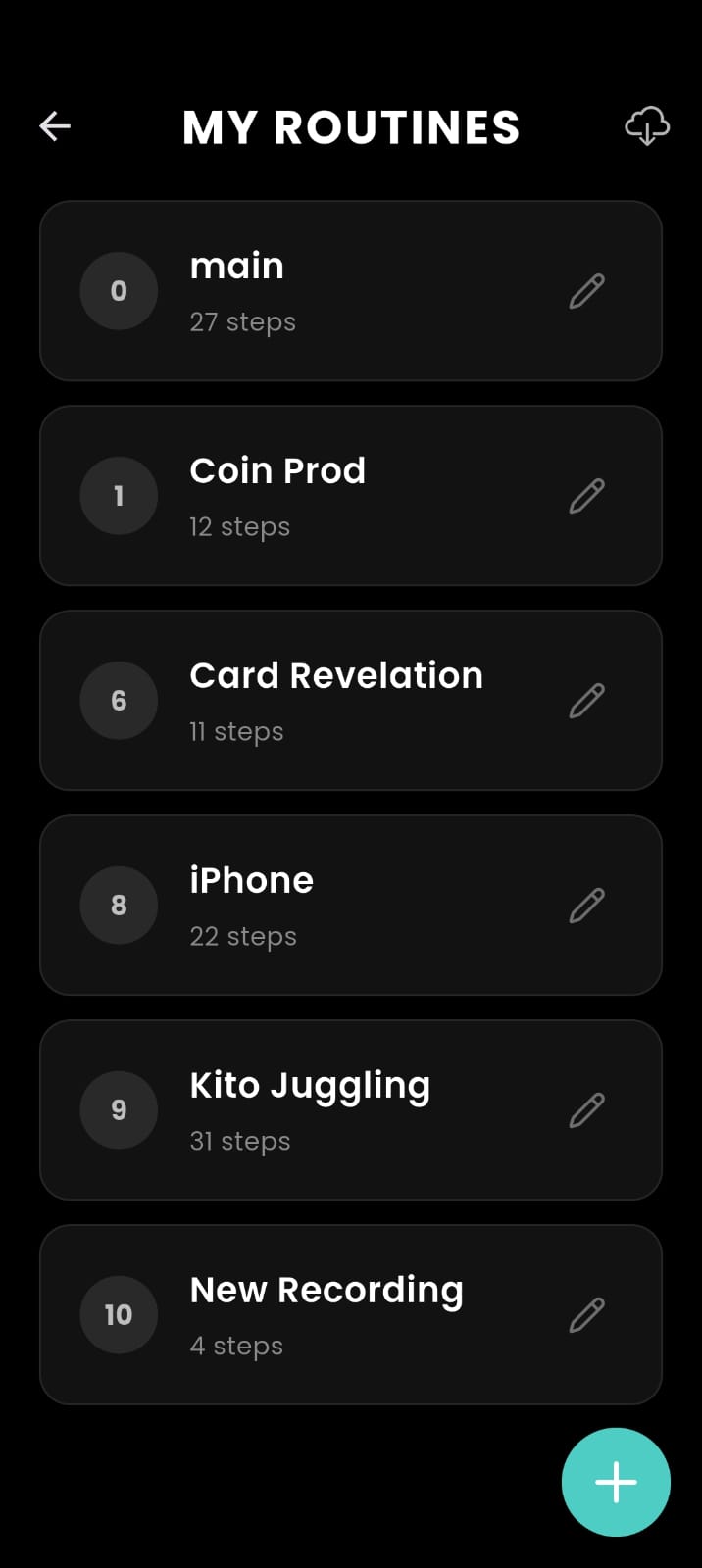
Routines Main Menu

Routines Menu

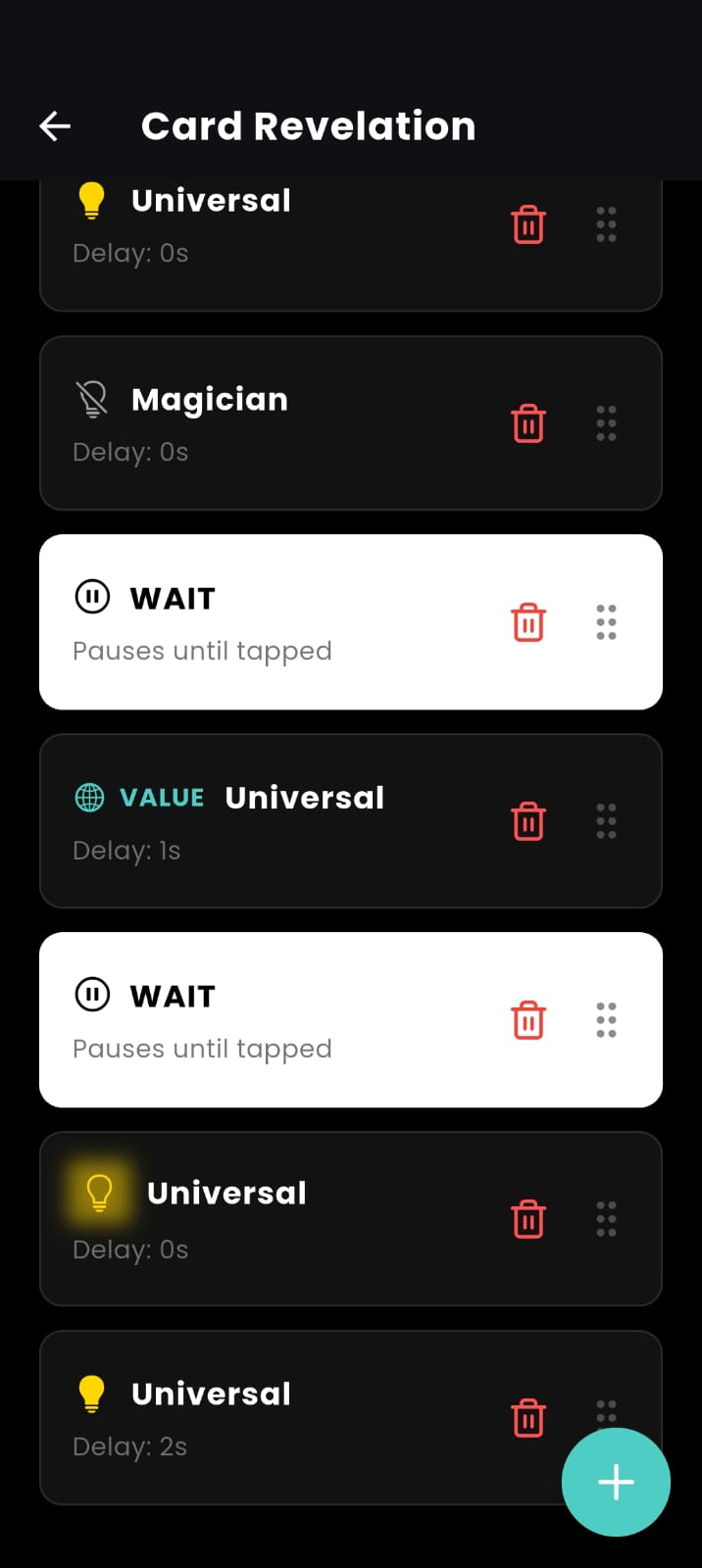
Inside Routines

Inside Routines

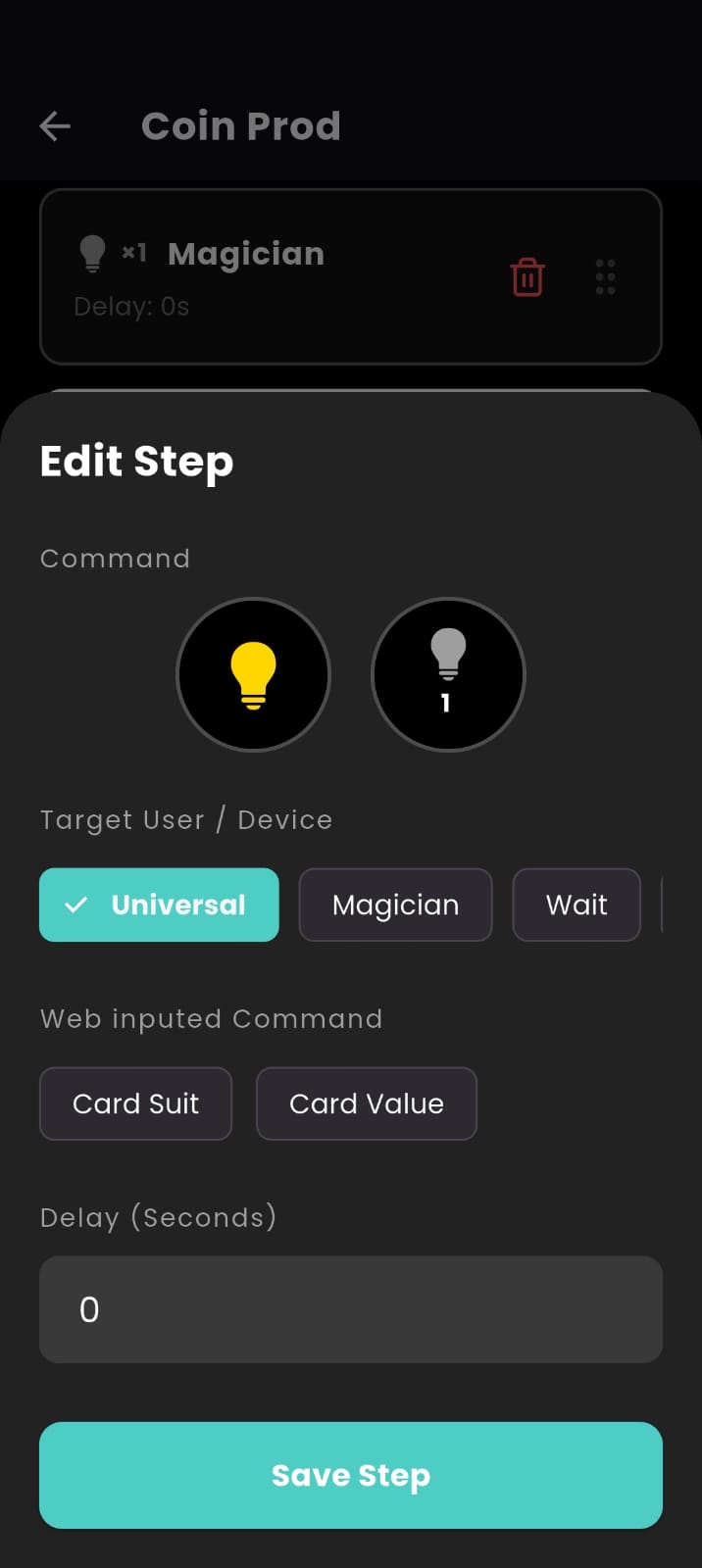
Creating Routines Step 1

Creating Routines (Part 1)

Creating Routines Step 2

Creating Routines (Part 2)

Gyroscope Settings

Gyroscope Trigger

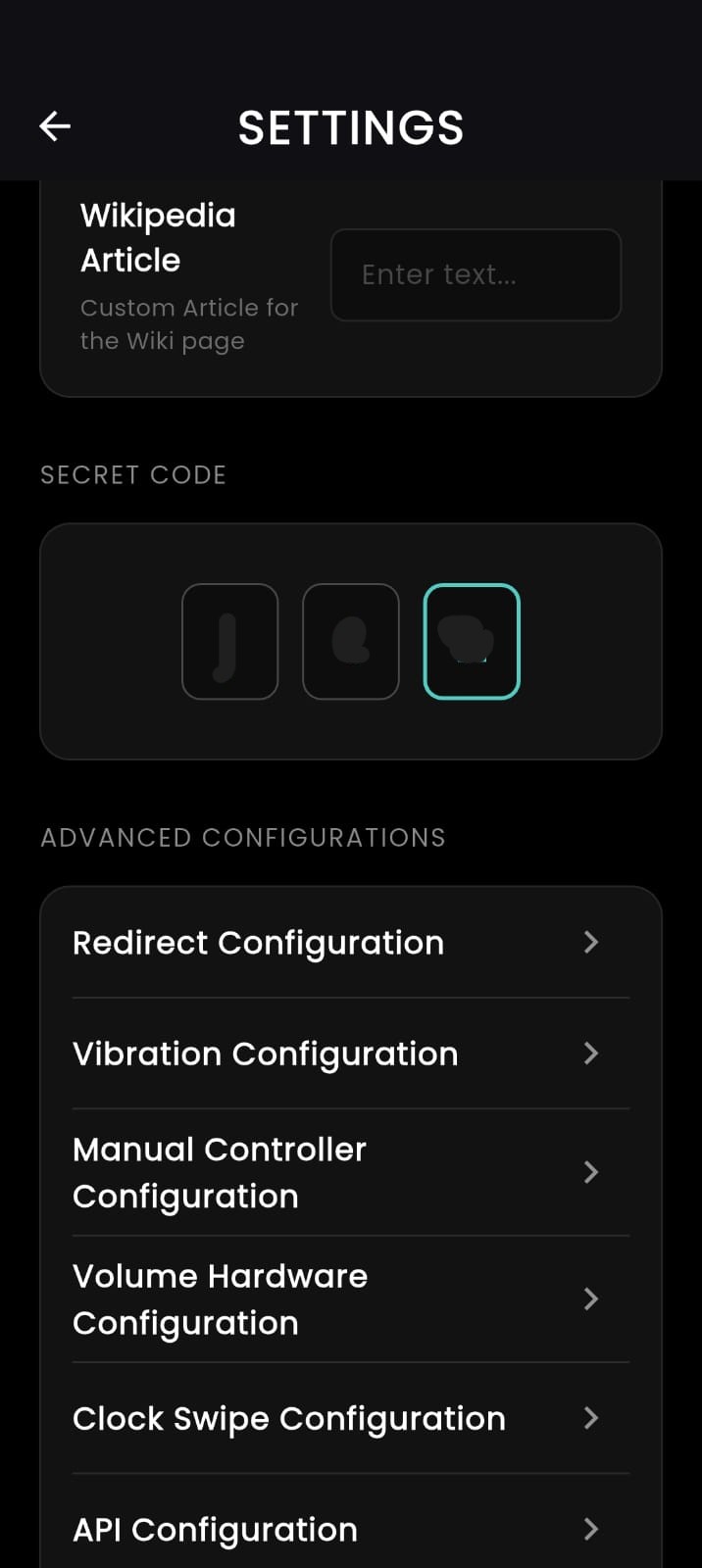
App Settings 1

Settings

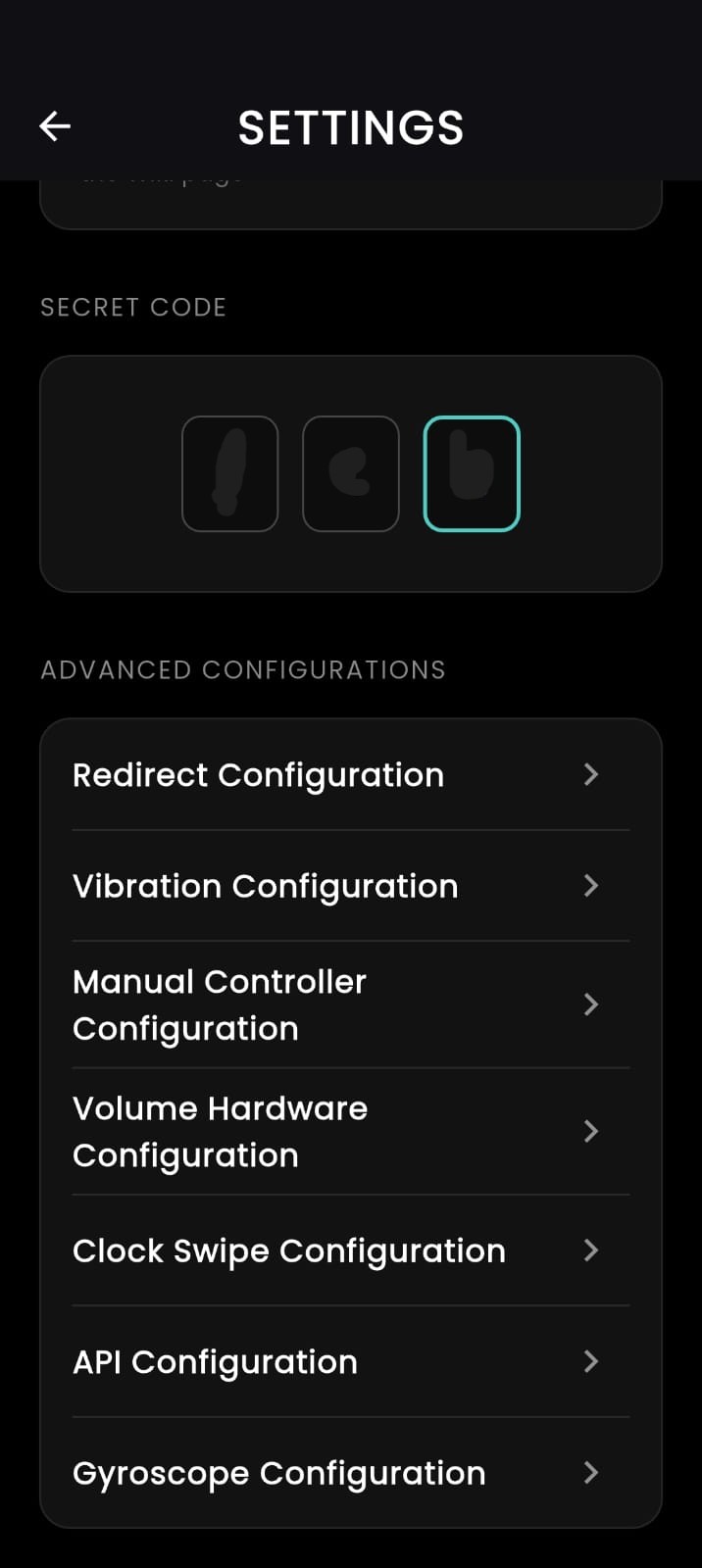
App Settings 2

Advanced Settings

Ready to perform the impossible?

To explore more routines and connect with other performers, join the Facebook group.

Available on